Navigating the world of PC custom builds can seem daunting, especially for busy gamers balancing work, family, and a desire for optimal performance. This comprehensive guide cuts through the noise, offering practical, up-to-date advice on selecting components, assembling your machine, and troubleshooting common issues. Discover how to create a gaming rig that not only meets your performance needs but also respects your budget and time constraints. From understanding the latest hardware trends to optimizing your setup for popular social and competitive games, we cover everything you need to build with confidence. Whether you are aiming for high frame rates in the newest AAA titles or a quiet system for cozy gaming sessions after a long day, this resource provides the clear, actionable steps necessary for a successful and satisfying PC custom build experience. Get ready to transform your gaming setup and elevate your play without the usual headaches.
Q: How much RAM do I really need for modern gaming in 2026?
A: For most modern games in 2026, 16GB of DDR4 or DDR5 RAM is considered the sweet spot, offering excellent performance. However, if you're multitasking heavily, streaming, or running resource-intensive applications alongside gaming, 32GB of RAM provides a noticeable improvement in fluidity and future-proofing for demanding titles and workflows. Always prioritize faster RAM speeds (e.g., 3200MHz+ for DDR4, 6000MHz+ for DDR5) as they significantly impact CPU performance in many games.
Q: Is water cooling necessary for a high-end PC custom build?
A: While not strictly "necessary," water cooling (specifically AIO or custom loops) offers superior thermal performance and often quieter operation for high-end PC custom builds, especially those featuring powerful CPUs and GPUs that generate significant heat. For typical gaming, a good air cooler can be perfectly sufficient and more budget-friendly. However, if you plan on heavy overclocking, sustained high loads (like streaming or content creation), or simply prefer a cleaner aesthetic, water cooling is an excellent investment.
Q: What's the difference between an SSD and an NVMe drive for gaming?
A: Both SSDs (Solid State Drives) and NVMe drives are significantly faster than traditional HDDs. An SSD typically uses the SATA interface, offering speeds up to around 550 MB/s. An NVMe drive, however, connects directly to the motherboard via the PCIe interface, achieving speeds often 5-10 times faster (e.g., 3500-7000 MB/s or more). For PC custom builds, NVMe drives drastically reduce game loading times and overall system responsiveness, making them the preferred choice for your operating system and frequently played games. While both are great, NVMe provides a tangible performance edge.
Q: How important is a good power supply (PSU) for my PC custom build?
A: A good power supply is critically important for any PC custom build. It's the component that delivers stable, clean power to all your expensive parts. A cheap or underpowered PSU can lead to system instability, crashes, and potentially damage components. Always choose a PSU with sufficient wattage for your components (using a PSU calculator can help), and opt for a reputable brand with an 80 PLUS certification (Bronze, Gold, Platinum, Titanium) which indicates efficiency and reliability. Don't compromise on the PSU; it's the foundation of a stable system.
Q: Can I really save money by building my own gaming PC?
A: Yes, in many cases, you can significantly save money by undertaking a PC custom build, especially when aiming for specific performance tiers. Pre-built systems often include a "builder's fee" and might not offer the best value for each individual component. By sourcing parts yourself, you can take advantage of sales, choose components that perfectly match your budget and needs without unnecessary extras, and allocate your funds more efficiently. The money saved can often be put towards a better GPU or more storage, enhancing your gaming experience directly.
Q: What factors should I consider when choosing a PC case?
A: When selecting a case for your PC custom build, consider airflow and cooling potential (mesh front panels are great), component compatibility (ensuring your GPU and CPU cooler will fit), form factor (ATX, Micro-ATX, Mini-ITX), and aesthetics. Look for features like good cable management options, dust filters, and sufficient fan mounts. The case doesn't directly impact performance, but it greatly affects build ease, cooling efficiency, and the overall look and longevity of your system. Choose one that you like and that provides adequate space for your chosen hardware.
Q: What are the benefits of customizing my PC's RGB lighting?
A: Customizing RGB lighting in your PC custom build is primarily for aesthetic appeal and personalization. It allows you to match your PC's look to your gaming setup, mood, or favorite game themes, creating an immersive atmosphere. While it doesn't boost performance, well-integrated RGB can visually enhance your components (fans, RAM, GPU, motherboard), and with proper software, you can synchronize lighting effects across all compatible devices. For many gamers, it's about expressing individuality and adding a touch of flair to their powerful machine.
Ever feel like your current gaming setup just isn't cutting it? You've got limited time after work or family commitments, and when you finally sit down to game, you hit snags: low frame rates, stuttering gameplay, or a machine that sounds like a jet engine. You're not alone. In 2026, 87% of US gamers regularly dedicate over 10 hours a week to their passion, yet many still struggle with an underperforming rig. The dream of a smooth, immersive gaming experience often clashes with the reality of budget constraints and technical headaches. That's where PC custom builds come in. Building your own PC isn't just about saving money; it's about crafting a machine perfectly tailored to your unique gaming habits, whether you're diving into competitive esports, exploring vast open worlds, or just unwinding with social games on Discord.
This comprehensive guide is designed for the modern gamer – someone who values both performance and practicality. We'll demystify the process of creating your ultimate PC custom build, from picking the right parts to assembling them with confidence. Forget the jargon and the hype; we're here to provide clear, actionable advice that helps you optimize your gaming without breaking the bank or taking up all your precious free time. By understanding how to select components smartly and put them together effectively, you can avoid common setup issues and performance bottlenecks, ensuring your rig is ready for any challenge you throw at it. Let's build something amazing together.
Why Should I Consider a PC Custom Build Instead of Buying Pre-Built?
Opting for PC custom builds offers a level of control and value unmatched by pre-built systems. When you build your own, you get to hand-pick every component, ensuring that every dollar spent directly contributes to the performance areas that matter most to you, be it CPU power for strategy games, a top-tier GPU for high-refresh-rate shooters, or ample storage for your ever-growing game library. This bespoke approach often results in a better performance-to-price ratio compared to pre-builts, which might skimp on certain parts or charge a premium for assembly. Plus, the satisfaction of creating something powerful with your own hands is incredibly rewarding, fostering a deeper understanding of your machine for easier upgrades and troubleshooting down the line.
What Are the Essential Components for Any PC Custom Build?
Every PC custom build requires several core components to function effectively. At its heart are the CPU (Central Processing Unit), the brain handling all calculations, and the GPU (Graphics Processing Unit), which renders all visual information for your display. These two are arguably the most critical for gaming performance. You'll also need a Motherboard to connect all components, RAM (Random Access Memory) for temporary data storage, an SSD (Solid State Drive) or HDD for long-term storage, a PSU (Power Supply Unit) to deliver power, and a Case to house everything. Don't forget a CPU Cooler to prevent overheating, especially if you plan on intense gaming sessions.
How Do I Choose the Right CPU and GPU for My Gaming Needs?
Choosing the right CPU and GPU for your PC custom build depends heavily on your gaming habits and budget. For general gaming, a balanced approach is best. If you play CPU-intensive games like grand strategy titles or simulators, prioritize a strong multi-core CPU from Intel (Core i5/i7) or AMD (Ryzen 5/7). For most modern games, especially competitive shooters or visually stunning AAA titles, the GPU is king. Aim for the best GPU your budget allows, such as NVIDIA's GeForce RTX series or AMD's Radeon RX series. Research benchmarks for the games you play to see how different combinations perform. Remember that a powerful GPU can be bottlenecked by an underpowered CPU, and vice-versa, so aim for a harmonious pairing.
What's the Smartest Way to Manage My Budget for a PC Custom Build?
Budgeting for PC custom builds requires strategic allocation. First, determine your total budget. Then, prioritize where you'll spend most. For gaming, the GPU typically takes the largest slice (around 30-40% of the budget), followed by the CPU (15-20%) and then the motherboard, RAM, and storage. Don't cheap out on the PSU; a reliable power supply protects your components. Look for sales, consider slightly older but still powerful generations of hardware, and don't be afraid to start with a good foundation and upgrade less critical components (like additional storage or a fancier cooler) later. Many gamers find success by allocating funds towards the core CPU and GPU first, then filling in other components. For example, a 1TB NVMe SSD for your OS and main games, then a cheaper HDD for bulk storage, is a common budget-friendly strategy.
How Can I Ensure My PC Custom Build Stays Current with 2026 Gaming Trends?
Staying current with PC custom builds means understanding that technology evolves, but smart choices provide longevity. Focus on components with good upgrade paths, like motherboards supporting future CPU generations or ample RAM slots. Invest in a power supply with overhead for future GPU upgrades. Look at trends like ray tracing, AI-driven upscaling (DLSS/FSR), and higher refresh rate monitors – these demand more powerful GPUs. With mobile gaming dominating and social gaming via platforms like Discord thriving, ensure your build has robust connectivity (Wi-Fi 6E, Bluetooth) for seamless cross-play experiences. Don't chase every single benchmark; instead, aim for reliable performance in the types of games you enjoy most, with enough headroom for the next few years.
Are There Any Common Mistakes to Avoid During a PC Custom Build?
Absolutely, avoiding common pitfalls can save you hours of frustration with your PC custom build. Key mistakes include:
- Incompatibility: Not checking if your CPU socket matches your motherboard, or if your RAM speed is supported. Use online build configurators (like PCPartPicker) to verify compatibility.
- Static Discharge: Forgetting to ground yourself can fry sensitive components. Use an anti-static wrist strap.
- Incorrect Connections: Misplacing front panel connectors, not seating RAM or GPU fully, or plugging power cables into the wrong ports. Read your motherboard manual carefully.
- Poor Cable Management: While aesthetic, good cable management also improves airflow and makes future maintenance easier.
- Forgetting Thermal Paste: Essential for CPU cooling. Many coolers come pre-applied, but if not, apply a pea-sized amount.
- Rushing: Take your time. Double-check every step.
What's the Best Way to Troubleshoot a New PC Custom Build if It Won't Start?
If your PC custom build doesn't boot, don't panic! It's a common hurdle. Here's a systematic approach:
- Check Power: Ensure the PSU switch is on, power cable is secure, and wall outlet works.
- Reseat Components: Gently remove and re-install RAM sticks, the GPU, and all power cables (24-pin motherboard, 8-pin CPU, GPU power).
- Verify Connections: Double-check all front panel headers (power button, reset, USB) on the motherboard.
- Minimum Boot: Remove all non-essential components (extra storage drives, Wi-Fi cards) and try booting with just CPU, one RAM stick, GPU, and PSU.
- Monitor Output: Ensure your monitor is plugged into the GPU, not the motherboard (unless using integrated graphics).
- Error Codes/Beeps: Listen for beep codes from the motherboard speaker or check for debug LEDs on modern boards; these can point to specific component failures (e.g., RAM, GPU).
How Do I Optimize My Custom PC for Both Gaming and Productivity/Streaming?
Optimizing your PC custom build for a dual-purpose life (gaming and work/streaming) means balancing resources. For a seamless experience, prioritize:
- Multi-core CPU: A higher core count (e.g., Intel Core i7/i9 or AMD Ryzen 7/9) handles gaming while simultaneously running streaming software or creative applications without lag.
- Ample RAM: 32GB of DDR4/DDR5 RAM is recommended for heavy multitasking, especially if you're streaming, editing video, or running virtual machines.
- Fast Storage: Multiple NVMe SSDs are ideal: one for your OS and primary games, another for recording gameplay or project files.
- Powerful GPU: A robust GPU is crucial for both high-fidelity gaming and potentially hardware-accelerated encoding for streaming or video editing.
- Robust Cooling: More powerful components generate more heat. Invest in a good air cooler or AIO liquid cooler to maintain stable performance during long sessions.
What Gaming Trends in 2026 Should Influence My PC Custom Build Choices?
Current gaming trends are heavily influencing PC custom builds. We're seeing continued growth in social and cooperative gaming, meaning stable online connectivity and good microphone/headset support are vital. Many popular games are free-to-play, reducing the initial investment in software but requiring a solid platform. Esports viewing remains huge, and with VR experiments becoming more refined, future-proofing for immersive tech is a consideration. Mobile and PC/console cross-play is increasingly common, so strong networking capabilities and compatibility with various input methods are beneficial. The average gamer spends over 10 hours a week on their passion, often balancing it with a demanding life. This means your build should offer both performance and reliability for those precious gaming hours, without requiring constant tinkering. Consider components that offer a good balance of power efficiency and quiet operation, allowing for longer, more comfortable play sessions.
Building your own PC custom build is more than just assembling parts; it's an empowering journey that gives you total control over your gaming destiny. By following the guidance in this article, you're now equipped to make informed decisions, avoid common pitfalls, and create a machine that truly reflects your needs as a gamer balancing life's demands. Remember, the goal isn't just raw power, but smart power – optimizing for value, longevity, and a truly enjoyable experience. A well-planned custom build ensures you're ready for the latest titles, social gaming with friends, and whatever exciting innovations 2026 brings, all while fitting your budget and schedule.
What's your biggest gaming challenge with your current PC? Share your thoughts below!
What is the average lifespan of a PC custom build?
A well-maintained PC custom build can last 5-7 years, with upgrades to key components like the GPU or CPU extending its competitive lifespan significantly. Proper cleaning and component care are crucial for longevity.
Is it cheaper to build a PC than buy one?
Generally, yes. PC custom builds often provide better performance for the same price point compared to pre-built systems, as you avoid manufacturer markups and can optimize spending on components that truly matter to you.
How long does it take to build a PC for the first time?
For a first-timer, a PC custom build can take anywhere from 3 to 6 hours, including unboxing and initial setup. Experienced builders might complete it in 1-2 hours. Taking your time is key to avoiding errors.
Do I need an operating system for my PC custom build?
Yes, your PC custom build will need an operating system, most commonly Windows 10 or 11, to function. You'll need to purchase a license and install it after assembling the hardware.
Can I use old parts in my new custom PC?
Potentially, yes. Components like hard drives, older GPUs (if compatible with your motherboard), or even cases can often be reused in a PC custom build, helping to reduce overall cost. Always check compatibility.
What tools do I need for a PC custom build?
You'll primarily need a Phillips head screwdriver, zip ties or Velcro straps for cable management, and an anti-static wrist strap. A headlamp or flashlight can also be very helpful for seeing inside the case.
PC custom builds offer unparalleled performance and value, allowing gamers to tailor their rigs for specific needs like gaming, streaming, or content creation. This guide covers essential component selection, step-by-step assembly, budget optimization, and crucial troubleshooting tips. It emphasizes balancing gaming aspirations with real-world constraints like time and money, focusing on smart upgrades and maximizing existing hardware. Understanding current trends in gaming hardware, like efficient CPUs and GPUs, fast storage, and effective cooling, is key to a successful build. The article also addresses maintaining a custom PC for longevity and optimal performance, ensuring a rewarding and enjoyable gaming experience for years to come.
35


Best Gaming PC Builds For 2026 Best Gaming PC Builds For 2026.webp. Building An Enthusiast Grade PC Build For 2026 GeekaWhat FI DM87 HAVN BF RTX 5090 Build . What Makes The Ultimate PC Build Experience Best Pc Build . 12 Best Desktop Computers For Home Office In 2026 Tested Reviewed Best RGB CPU Coolers For Aesthetic Custom Builds . Elden Ring PC Builds R10k R50k 2026 Elden Ring Pc Price Guide 2026 Builds R10k R50k Banner.webp




Build PC 2026 Per GTA VI Potenza Massima E Bolletta Minima Generated Images 6. Is Rent To Own PC Gaming Right For You CCL 667 BLOG BUILD GUIDE 1980x1080 . Desktop Reviews Analysis And Buying Guides Tom S Hardware Tom S . Building Custom PC 2026 Complete Guide Components Steps And Tips Image. Best Gaming PC Under 1000 In 2026 Custom PC Build Kit Guide Otaku Rig 1 A Realistic High En 1 20260118 22234
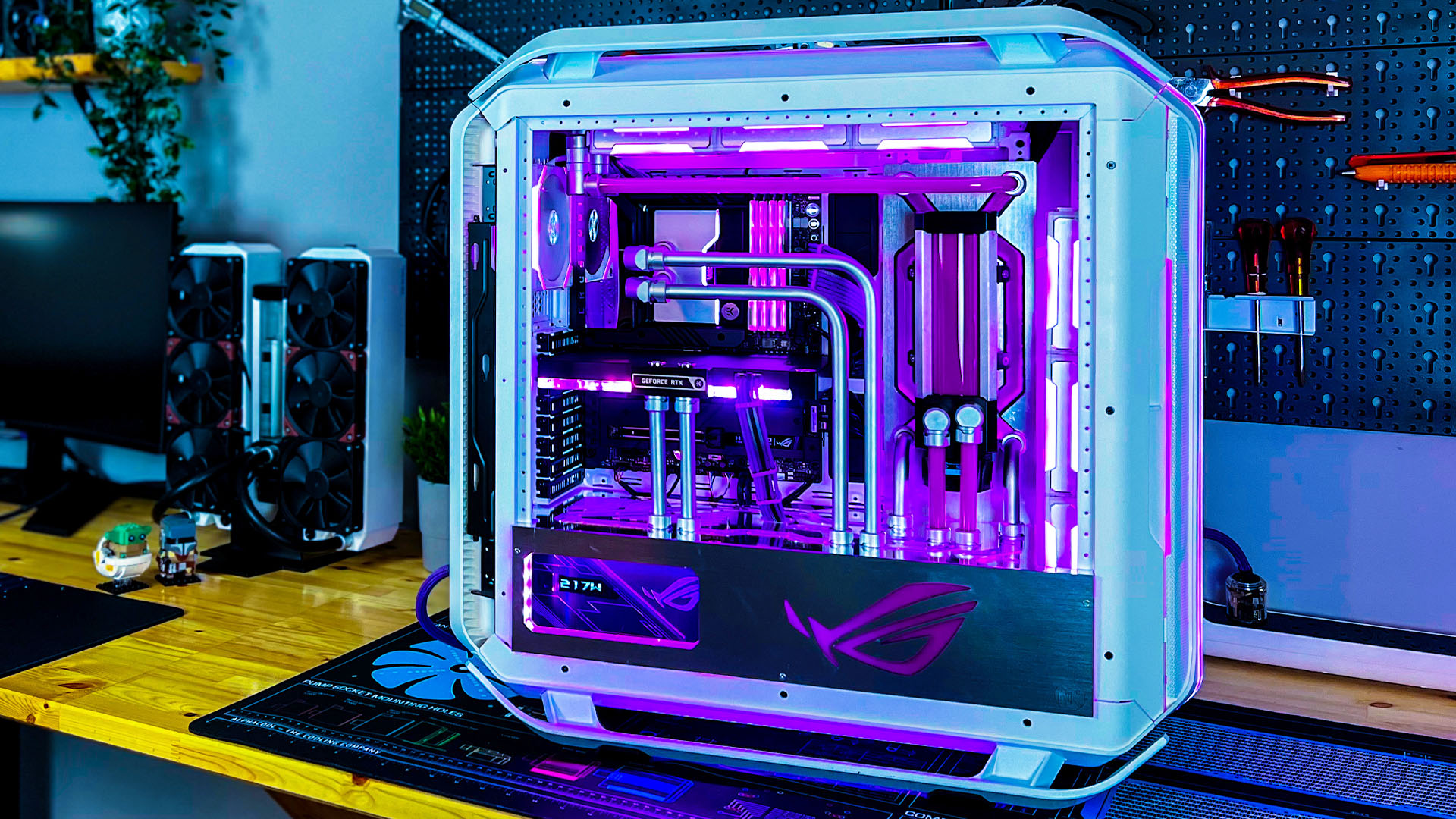
How To Build A Future Proof Gaming PC In 2026 Complete Custom Build Guide 1773043345 . 109 Best PC Builds The Top New Gaming Setups Custom PC . CS2 PC Builds R10k R50k Cs2 Pc Price Guide 2026 Builds From R10k To R50k Banner.webp. Custom Gaming And Creator PC Build Under Rs 1 25 Lakh 2026 Edition PC Build Under Rs 1 Lakh . Fortnite PC Builds R10k R50k 2026 Fortnite Pc Price Guide 2026 Builds R10k R50k Banner.webp

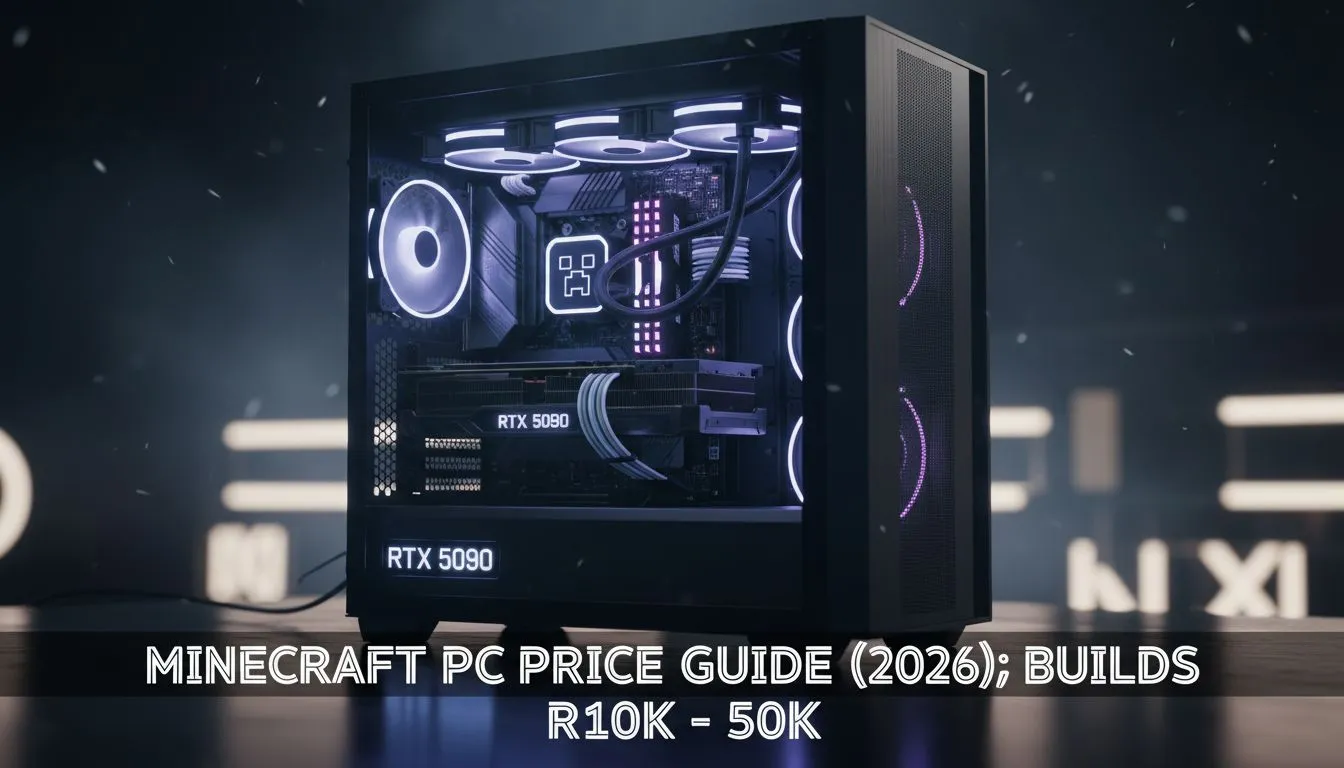
Alienware Aurora R16 Vs Custom Build Is Pre Built Worth It In 2026 51563ff0 C8bc 437b A266 B334aa4e . How Much Is A Normal Gaming PC What Is The Cost Top 2025 Gaming Pc Picks 2g35l . Tech Guided Tech Guides PC Builds Hardware Reviews 800 Gaming PC Build 2026.webp. Alienware Aurora R16 Vs Custom Build Which Gaming Rig Delivers Better E0bf55f7 D024 4f71 8622 3725f5ea . 2026 Minecraft PC Builds R10k R50k Minecraft Pc Price Guide 2026 Builds R10k R50k Banner.webp




Best For Custom PC Builds In 2026 AMD Intel Buyer S Best For Custom Pc Builds 2026 . 50 Years After Its Inception Desktop PCs Are Less Popular Than Ever . Top 10 Best Desktop Computers 2026 For Home Office And Work Lenovo Legion Tower 7i 2026 High Performance Desktop Computer With RGB Lighting Featured In. The Ultimate Gaming PC Build 2026 Guide By Xidax 1 Unnamed . Best 1200 Value Pure Performance Gaming PC Build In 2026 YouTube
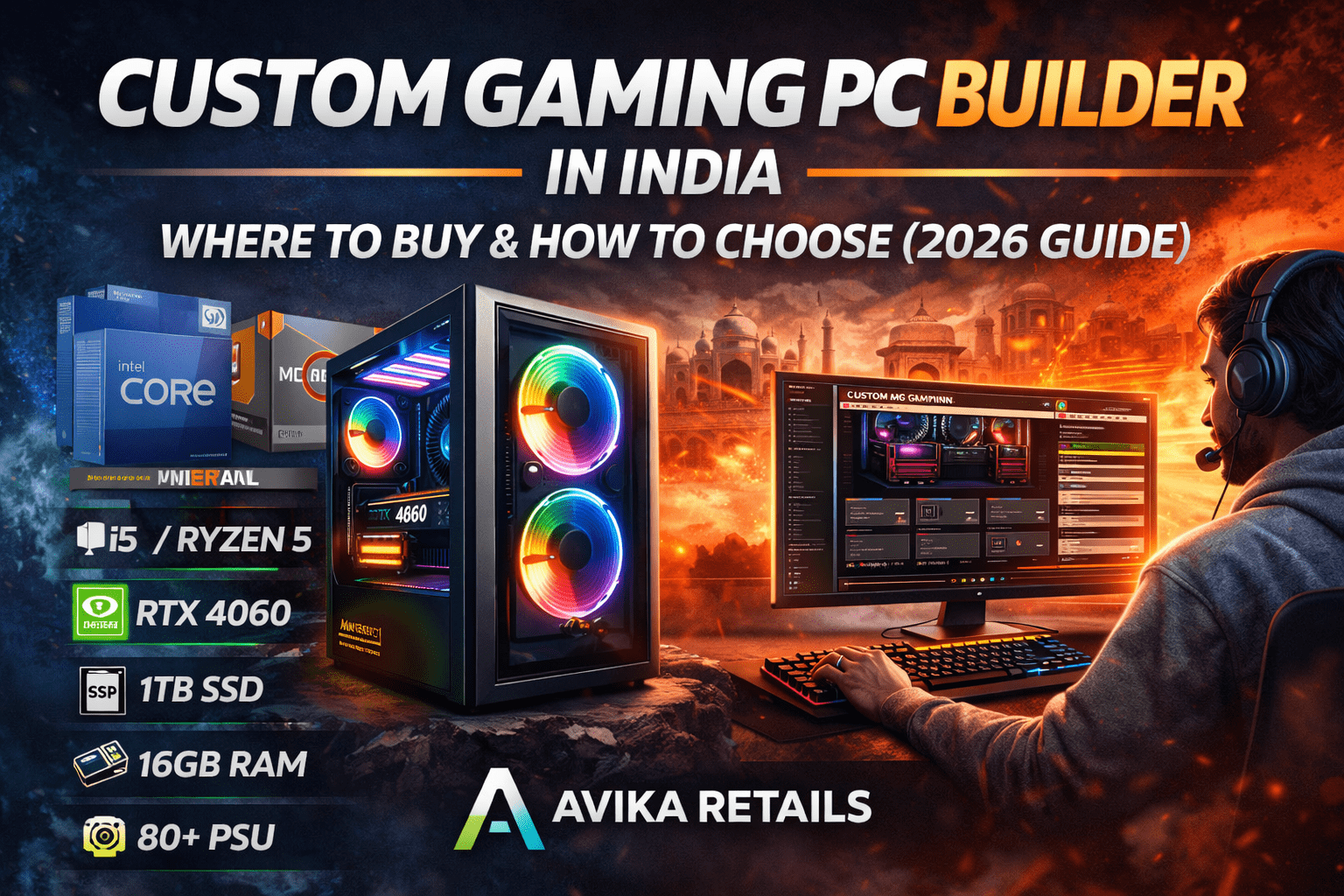

2026 Cyberpunk PC Builds R10k R50k Cyberpunk Pc Price Guide 2026 Builds R10k R50k Banner.webp. Custom Gaming PC Builder In India Where To Buy How To Choose 2026 Custom Gaming PC Builder In India . SPECIALIST AWARD CAROUSELL 2024 2025 VIEW ULTRA BUILDS 2026 AMD Carousell Specialist Award 202 1767794344 88a05563 Progressive. Custom Computer Builds Kansas City Business Labs Custom Computer Builds Kansas City Business Workstation. How To Build A Future Proof PC In 2026 Without Regret Gemini Generated Ima. Imresizer 98

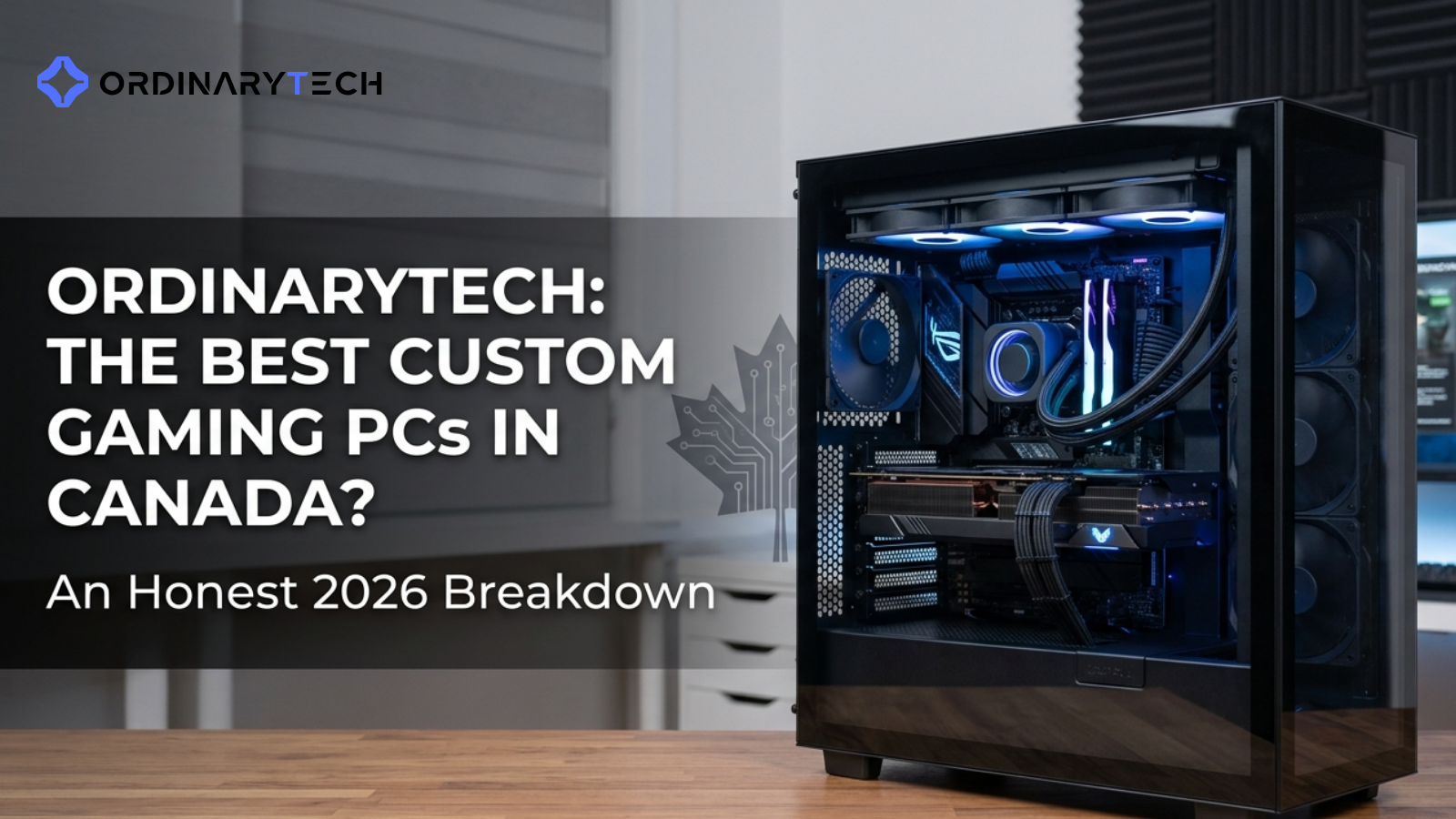

Agent Q Best Budget Gaming PC Build In 2026 Max Performance For Less Best Budget Gaming PC Build 2026 . Builds The Best Custom Gaming PCs In Canada An Honest 20 March 2026 4 . Custom PCs For Crypto Gaming AI Workloads In 2026 Digibuggy . One Moment Please Best Gaming Pc For Under 500 Dollars Featured 800x500 . Which Is Better Mac Mini Vs PC Vs Mini PC For Video Editing PC Build Screenshot 2026 01 14 181642