For years, gamers on PlayStation have wondered Can you play Roblox on PlayStation The answer is a resounding yes and this guide will show you how to dive into the infinite worlds of Roblox on your PS4 or PS5 console. With millions of monthly active users Roblox has become a global phenomenon offering an unparalleled platform for creativity social interaction and diverse gaming experiences. This article addresses the common questions and concerns for busy adult gamers who seek to balance their love for gaming with family and work commitments. We cover everything from download instructions and cross-platform play to performance tips and parental controls ensuring you get the most out of your Roblox experience without the fuss. Discover how Roblox on PlayStation offers a fantastic way to unwind build skills and connect with friends in a safe and engaging environment. Get ready to explore thousands of user-created games on your favorite console today.
Can I connect with my friends who play Roblox on other devices from my PlayStation?
Yes, absolutely! Roblox on PlayStation fully supports cross-platform play. This means you can seamlessly connect and play with your friends whether they are on PC, Xbox, mobile, or even other PlayStation consoles. This feature is fantastic for social gamers, allowing you to easily join existing parties and experiences with your entire friend group, regardless of their preferred gaming hardware.
Is the Roblox game on PlayStation the full version, or is it limited?
The Roblox game on PlayStation offers the full, comprehensive Roblox experience. You'll have access to millions of user-created games, your existing Roblox account, friends list, inventory, and the ability to purchase Robux. There are no significant limitations compared to other platforms, ensuring PlayStation players can fully immerse themselves in the Roblox metaverse and enjoy all its creative and social features.
Do I need a strong internet connection to play Roblox on PlayStation?
Yes, a stable and reasonably fast internet connection is highly recommended for playing Roblox on PlayStation. Since Roblox is an online-only platform that streams game content and facilitates real-time multiplayer interactions, a reliable connection minimizes lag, ensures smooth loading times, and prevents disconnections. Using an Ethernet cable instead of Wi-Fi can often provide a more consistent and faster connection.
Can I create my own games on Roblox directly from my PlayStation console?
No, unfortunately, the Roblox application on PlayStation is primarily for playing and experiencing games, not for creating them. The robust game creation tools, known as Roblox Studio, are currently only available on PC and Mac computers. So, while you can enjoy millions of user-made games on your console, you'll need a computer to design and publish your own Roblox experiences.
Are there any PlayStation-exclusive features or content in Roblox?
Currently, Roblox on PlayStation focuses on delivering a consistent cross-platform experience, meaning there are no PlayStation-exclusive games, items, or features. The core content and user experience are designed to be uniform across all platforms to facilitate seamless cross-play. Any unique content additions would likely be platform-agnostic to maintain this universal accessibility.
What are the best types of Roblox games for console controllers on PlayStation?
Games that translate well to console controllers typically involve clear movement, objective-based gameplay, and less reliance on precision mouse clicks or extensive keyboard shortcuts. Action-adventure games like 'Jailbreak', obstacle courses (Obbys), simulation/tycoon games, and many role-playing experiences like 'Adopt Me!' are excellent choices. Look for titles with straightforward UI and camera controls that are naturally mapped to the DualSense or DualShock controller for the best experience.
How does Roblox on PlayStation handle in-game purchases and Robux?
Roblox on PlayStation handles in-game purchases and Robux just like any other digital purchase on the console. You can buy Robux directly within the Roblox application using your PlayStation Store payment methods (credit card, PSN wallet funds, etc.). Any Robux purchased will be tied to your Roblox account and accessible across platforms. Parents can also utilize PlayStation's native parental controls to set spending limits for accounts, providing a layer of financial management.
Hey fellow gamers! Ever find yourself scrolling through your PlayStation library after a long day of work and family duties, wishing you could jump into something creative, social, and genuinely fun without a massive time commitment? You're not alone. Many of us, especially the roughly 60% of US gamers aged around 36, balance our passion for gaming with real-life responsibilities. We crave relaxation, fun, and connection, but often wonder if those trending, free-to-play social games like Roblox are truly accessible on our preferred console. The big question on many minds has been: can you play Roblox on PlayStation?
For years, Roblox was conspicuously absent from Sony’s ecosystem, leaving PlayStation enthusiasts feeling a bit left out while their friends on PC, Xbox, and mobile devices built and played to their hearts’ content. Well, I'm thrilled to tell you that those days are over! As of this month, Roblox has officially landed on PlayStation consoles, bringing its vast metaverse of user-generated content directly to your PS4 and PS5. This is fantastic news for adult gamers who value convenience and want to explore new worlds with their kids, friends, or even solo for some stress relief. With 87% of US gamers regularly dedicating 10+ hours a week to their hobby, having more accessible, engaging options on console is a huge win. This guide will walk you through everything you need to know about playing Roblox on your PlayStation, ensuring a smooth, enjoyable experience that fits seamlessly into your busy life.
Can You Play Roblox on PlayStation in 2026?
Absolutely, yes! In a move that delighted millions, Roblox officially launched on PlayStation 4 and PlayStation 5 consoles this past month. This means you no longer need to rely solely on PC, Xbox, or mobile devices to access the expansive world of Roblox. The PlayStation version delivers the core Roblox experience, allowing players to explore millions of user-created games, socialize with friends, and even purchase Robux for in-game items. This expansion signifies Roblox's commitment to broader accessibility, making it easier for a diverse range of gamers, including busy adults and their families, to connect and play together from the comfort of their living room.
Which PlayStation Consoles Support Roblox?
Roblox is fully supported on both PlayStation 4 (PS4) and PlayStation 5 (PS5) consoles. Whether you have an older PS4 model or the latest PS5, you can download and play Roblox without any issues. The experience is optimized for both generations, ensuring smooth gameplay and vibrant visuals, although PS5 users might notice slightly faster loading times and potentially more stable frame rates due to the console's superior hardware. This broad compatibility means that most PlayStation owners can jump into the Roblox metaverse immediately, making it a highly accessible social gaming platform for a vast audience.
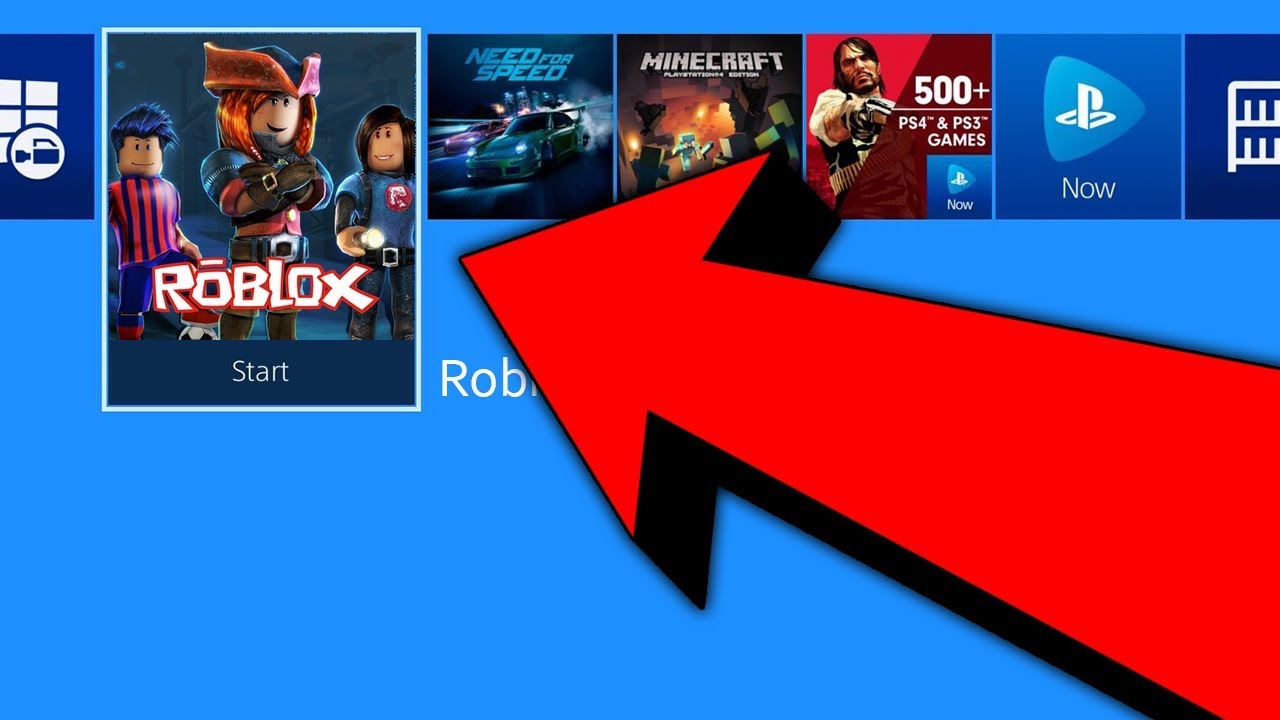
How Do I Download Roblox on My PS4 or PS5?
Getting Roblox onto your PlayStation is straightforward. Here's a simple step-by-step guide to get you playing in minutes:
- Step 1: Turn on your PlayStation console. Make sure it's connected to the internet.
- Step 2: Navigate to the PlayStation Store. This is usually an icon that looks like a shopping bag on your console's home screen.
- Step 3: Use the Search function. In the PlayStation Store, locate the search bar (often represented by a magnifying glass icon) and type in "Roblox".
- Step 4: Select Roblox from the search results. You'll see the official Roblox game listing.
- Step 5: Initiate the Download. On the game's page, select the "Download" or "Free" button. Roblox is a free-to-play title, so there won't be a purchase price.
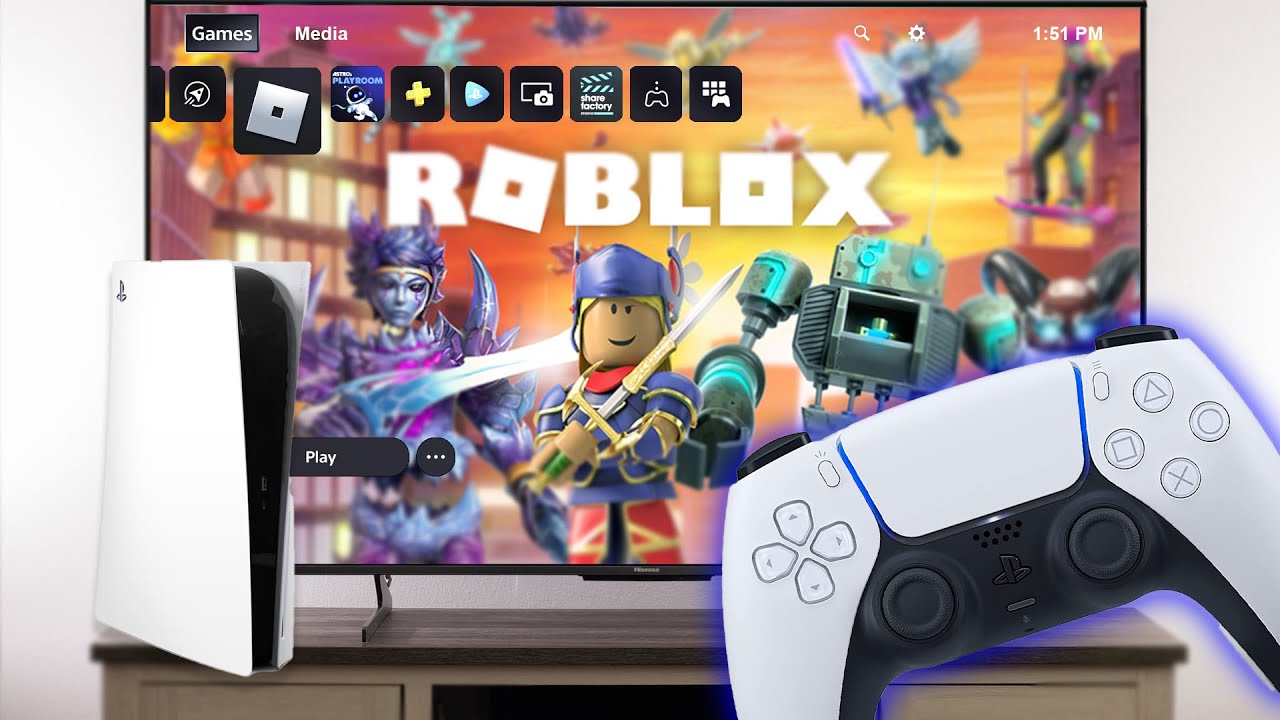
- Step 6: Install and Launch. Once the download is complete, the game will automatically install. You can then find the Roblox icon on your home screen or in your Game Library. Launch the game, log in with an existing Roblox account, or create a new one, and you're ready to play!
Is Roblox Free to Play on PlayStation?
Yes, absolutely! Just like on other platforms, Roblox is entirely free to download and play on PlayStation 4 and PlayStation 5. You can access millions of user-created games, join communities, and explore endless experiences without spending a dime. The free-to-play model is one of Roblox's biggest draws, making it an excellent option for budget-conscious gamers or families looking for entertainment without recurring costs. While the core experience is free, Roblox does offer optional in-game purchases through its virtual currency, Robux, which allows players to buy cosmetic items, game passes, and access to certain premium experiences. This approach provides value for money, allowing players to invest only if they choose to enhance their personal experience.
Does Roblox on PlayStation Support Cross-Platform Play?
One of the most exciting features of Roblox's arrival on PlayStation is its robust cross-platform play capabilities. Yes, Roblox on PlayStation fully supports cross-platform play, meaning you can connect and play with your friends regardless of whether they are on PC, Xbox, mobile, or even other PlayStation consoles. This is a game-changer for social gamers, enabling seamless interaction across different devices and breaking down traditional console barriers. For adult gamers balancing busy schedules, this means easier coordination with friends and family for spontaneous gaming sessions, strengthening social connections through shared virtual experiences.
What are the Best Roblox Games to Play on PlayStation?
With millions of games, finding the best experiences on Roblox can feel overwhelming. On PlayStation, games that emphasize clear objectives, engaging mechanics, and are well-optimized for controller input tend to shine. Here are a few popular and console-friendly genres and specific examples often enjoyed by gamers:
- Obby Games (Obstacle Courses): These are fantastic for quick bursts of fun and skill-building. Games like 'Tower of Hell' or 'Mega Easy Obby' offer straightforward challenges perfect for unwinding.
- Tycoon Games: Build your own empire! Titles like 'Retail Tycoon' or 'Theme Park Tycoon 2' provide satisfying progression and strategy, ideal for focused playtime.
- Role-Playing Games (RPGs): Immerse yourself in worlds like 'Adopt Me!' for pet collecting and social interaction, or 'Brookhaven RP' for open-world role-playing.
- Action and Adventure: Look for games with defined goals and combat. 'Jailbreak' (a classic cops and robbers game) and 'Murder Mystery 2' offer suspense and action.
Remember, the best game is ultimately the one you enjoy most. Explore the 'Popular' or 'Recommended' sections within the Roblox app on your PlayStation to discover new favorites this month.
How Does Roblox on PlayStation Impact Performance and Graphics?
Roblox on PlayStation is designed to run smoothly, offering a generally stable performance across both PS4 and PS5. While Roblox's graphics are intentionally stylized and not hyper-realistic, the console version delivers crisp visuals and consistent frame rates for most experiences. Performance can vary depending on the complexity of the specific game world you're playing; highly detailed or crowded servers might see minor dips, but these are generally infrequent. The PlayStation's hardware provides a significant upgrade over many mobile devices, ensuring a more fluid and responsive experience. For gamers who prioritize performance, ensuring your console's system software is up to date and maintaining a stable internet connection will further optimize your gameplay.
Are There Any Parental Controls or Safety Features for Roblox on PlayStation?
Roblox places a strong emphasis on safety, and its PlayStation version integrates robust parental control and safety features, which is crucial for families. You can utilize both the platform's built-in Roblox account settings and your PlayStation console's system-level controls. Roblox offers features like:
- Account Restrictions: Limit who your child can chat with and what experiences they can access based on age recommendations.
- Chat Filtering: Advanced filters automatically block inappropriate content from chat.
- Spending Limits: PlayStation console settings allow you to set limits on how much can be spent on digital content, including Robux, preventing unexpected charges.
- Privacy Settings: Control who can send messages, friend requests, and join private servers.
These combined features empower parents to create a safe and controlled environment for younger players while still allowing them to enjoy the social and creative aspects of Roblox. This balance aligns perfectly with the needs of adult gamers who manage family life alongside their gaming habits.
Tips for Optimizing Your Roblox PlayStation Experience
Getting the most out of Roblox on your PlayStation isn't just about playing; it's about optimizing the experience to fit your lifestyle. Here are a few pro tips:
- Stay Connected: A stable, high-speed internet connection is paramount for online games like Roblox. Consider using an Ethernet cable for a more reliable connection than Wi-Fi, especially if you're experiencing lag.
- Manage Storage: While Roblox itself isn't huge, downloading many games can take up space. Periodically check your PlayStation storage and delete games you no longer play to free up resources.
- Update Regularly: Ensure both your PlayStation system software and the Roblox application are always updated to the latest versions. Updates often include performance enhancements and bug fixes.
- Explore Settings: Dive into Roblox's in-game settings. You might find options to adjust graphics quality or sound, allowing you to tailor the experience to your preference or improve performance if needed.
- Join Groups: Find Roblox groups related to your favorite games or interests. This is a great way to discover new content, find fellow players, and engage in the social aspects of the platform.
How Does Roblox on PlayStation Compare to PC or Mobile Versions?
Roblox on PlayStation offers a console-optimized experience that largely mirrors its PC and mobile counterparts, but with some distinct differences. The core content – millions of user-created games – remains the same across all platforms. However, the control scheme on PlayStation is tailored for the DualSense or DualShock controller, which can offer a more tactile and familiar experience for console veterans compared to keyboard/mouse or touch controls. Graphically, the PlayStation version generally outperforms most mobile devices, delivering sharper visuals and more stable frame rates, especially on PS5. While high-end gaming PCs might still offer the absolute best performance and customization options, the PlayStation version strikes an excellent balance between accessibility, performance, and the comfort of console gaming. It's a fantastic middle-ground for gamers who want the robustness of a dedicated gaming device without the complexity or cost of a high-end PC, and without the limitations of a mobile screen.
As we've explored, the ability to play Roblox on PlayStation is a significant win for gamers everywhere, particularly for those of us balancing busy lives. It brings a world of creativity, social interaction, and diverse gaming experiences right to your console, optimized for your convenience. Whether you're unwinding after work, connecting with friends across different platforms, or exploring imaginative worlds with your family, Roblox on PlayStation offers a versatile and engaging option. The game's free-to-play model, combined with robust safety features and cross-platform capabilities, makes it an ideal addition to any gamer's library in 2026.
What's your biggest gaming challenge when balancing life? Comment below!
FAQ Section
Is a PlayStation Plus subscription required for Roblox?
No, a PlayStation Plus subscription is not required to download or play Roblox online on your PS4 or PS5. Roblox is a free-to-play game, and its online features do not fall under the PS Plus requirement.Can I use my existing Roblox account on PlayStation?
Yes, you can absolutely use your existing Roblox account. When you launch the game on your PlayStation, you'll be prompted to log in. Simply enter your current Roblox username and password to access all your saved progress, Robux, and friends.Are all Roblox games available on PlayStation?
While the vast majority of Roblox experiences are available, a very small percentage of older or highly niche games might not be fully optimized for console controllers, or might have minor compatibility issues. However, the vast library of popular and newly created games works seamlessly on PlayStation.How do I purchase Robux on PlayStation?
You can purchase Robux directly through the Roblox application on your PlayStation. Navigate to the Robux section within the app, select the desired pack, and complete the transaction using your PlayStation Store payment methods linked to your account.Can I connect a keyboard and mouse to play Roblox on PlayStation?
While PlayStation consoles do support keyboard and mouse input for some games, Roblox on PlayStation is primarily designed for controller use. Some users report partial functionality for keyboard and mouse, but the optimal and fully supported experience is with the DualSense or DualShock controller.Does Roblox on PlayStation support VR?
Currently, Roblox on PlayStation does not support PlayStation VR. The console version of Roblox focuses on traditional flat-screen gameplay. While Roblox has VR experiences on PC, they are not yet integrated into the PlayStation version.Roblox is now available on PlayStation consoles including PS4 and PS5. It is free to download and play offering cross-platform compatibility with PC mobile and other consoles. The game features extensive parental controls and a vast library of user-created experiences making it a versatile option for gamers of all ages. Performance is optimized for console play providing a smooth and engaging experience.
35

Roblox On PS5 Is It Finally Happening Roblox On Playstation Feature Image . Which Roblox Games Shine Brightest On PS4 Roblox On Ps4 And Ps5 Heres A Guide To Help In Playing Game On Playstation Console . Roblox Split Screen On PS5 Is It Really A Thing . Can You Play Roblox On PS5 Discover The Current Status Roblox Ps5 . Playing Roblox On PS1 PS2 PS3 PS4 YouTube



How To Play Roblox On PS5 PlayStation 4 Dexerto Roblox Login 1024x576 . When Is Roblox Coming To PlayStation Here S When You Can Start Playing 0 Roblox Ps . How To Play ROBLOX On PS5 EARLY RIGHT NOW YouTube . Playing Roblox On PS5 YouTube . How To Play Roblox On PS4 And PS5 How To Play


Roblox On PS5 Is It Finally Happening Roblox Ps5.large . The Ultimate Guide To Roblox PS4 Best Games Tips And More Image. Roblox On PS4 Is It Free Lets Find Out Roblox Ps5 Ps4 Release Date . How Can You Play Roblox In 2026 And Beyond Can You Play Roblox On PS4 . Roblox On PlayStation The Big Question Roblox


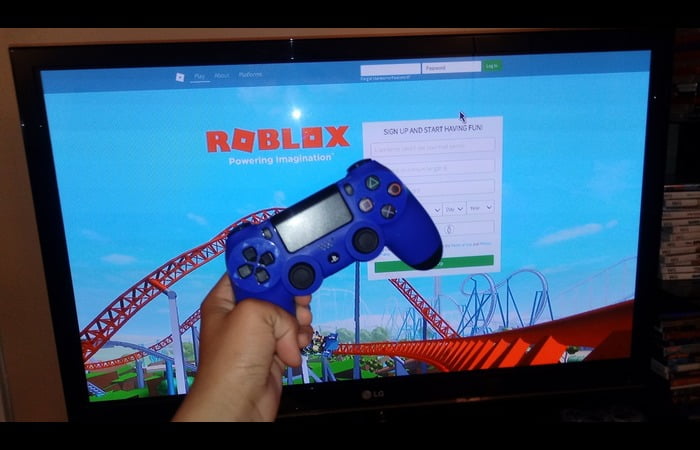

How Can You Play Roblox On PS5 PS4 . Can You Play Roblox On PlayStation Let S Find Out Playbite Can You Play Roblox On Playstation . PS4 Roblox Fact Or Fiction Lets Chat . Roblox On PlayStation The Big Question Web Browser To Play Roblox On PS4 . Roblox On PS4 Is It Possible Your Ultimate Guide How Can You Play Roblox On PS5 PS4


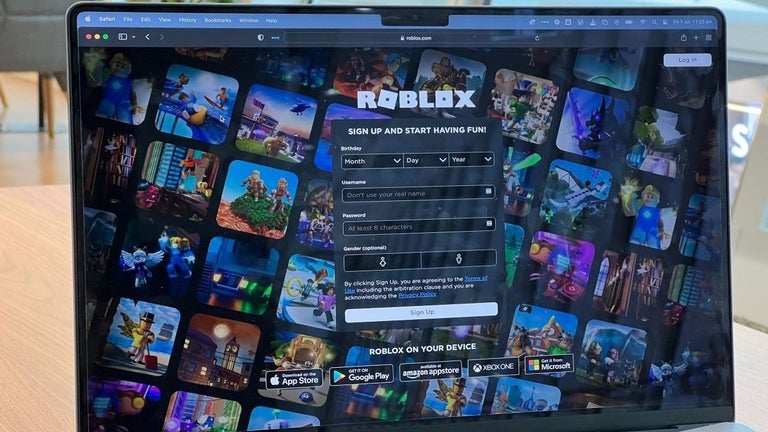

Roblox On PS4 Is It Free Lets Find Out How To Play Roblox On Ps4 Or. Good Roblox Games Must Plays In 2025 Can You Play Roblox On Nintendo Switch 1024x669 . Can You Play Roblox On Nintendo Switch Asamigames Creative Game Roblox Nintendo Switch . Roblox PlayStation Release Time PS5 And PS4 Softonic Adsiz Tasarim 19 . Ready To Share How To Publish Your Roblox Game




Can You Play Roblox In VR Today The 2026 Update . Can You Play Roblox On Epic Games Store Unpacking The Platforms 1200x1769 . Can You Access Roblox Everywhere In 2026 Roblox Switch . Can You Play Roblox In VR Today The 2026 Update . How Can You Play Roblox In 2026 And Beyond Roblox Xbox Can You Play Roblox On Xbox 1480 800 1.webp
Guide To Roblox On PS5 2026 Settings Fixes Roblox Ps5 . Roblox On PlayStation The Big Question 10 . How Can You Play Roblox In 2026 And Beyond Can You Play Roblox On The Steam Deck Yes You Can . Can You Play Roblox In VR Today The 2026 Update . How To Play Roblox On PS5 PlayStation 4 Dexerto Roblox Playstation Launch